
The Vacuum Box is an industrial vacuum which will be installed to replace your canister or central vacuum.
- Remove your existing canister vacuum
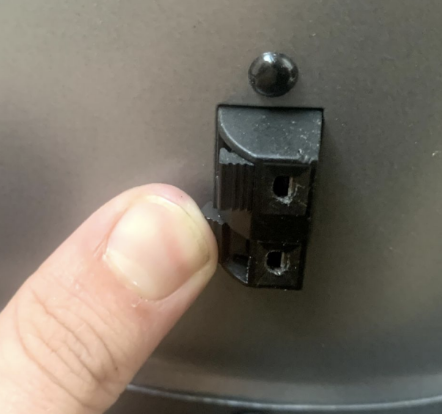
- At the vacuum, disconnect the two control wires by pushing on the speaker wire type terminal release:
- Remove the flexible hose from the vacuum by loosening the hose clamp and working the hose off the vacuum. Do not remove the hose clamp.
- Unplug the vacuum and remove the vacuum/mounting plate, if desired.
- At the vacuum, disconnect the two control wires by pushing on the speaker wire type terminal release:
- Position & connect the Vacuum Box
- Locate the vacuum pump box in the final install location.
- Using the same wires disconnected in Step 1, reconnect these wires to the speaker wire terminals located on the back of the Vacuum Box. Orientation does not matter, as long as each wire is connected to a terminal.
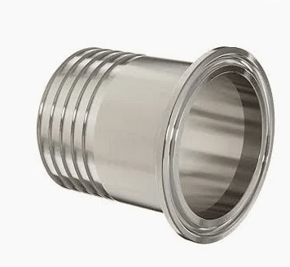
- Insert the provided flex hose adapter (pictured below) into the hose where it previously connected to the canister vacuum and tighten the hose clamp to secure the adapter to the hose.
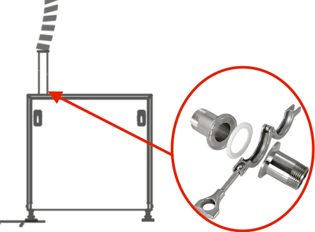
- Using the provided tri-clamps, connect the flex hose to the flange on the top of the vacuum box
- Plug in the vacuum
Installing the 3 way valve
Overview:
- Ensure compressed air is shut off and all pressure is drained from the system.
- Install the push-connect elbows into the 3 way valve. Note that, while stiff, the elbow rotates independent of the hex head portion of the adapter. Insert air lines with a length of ~30cm into the adapters.
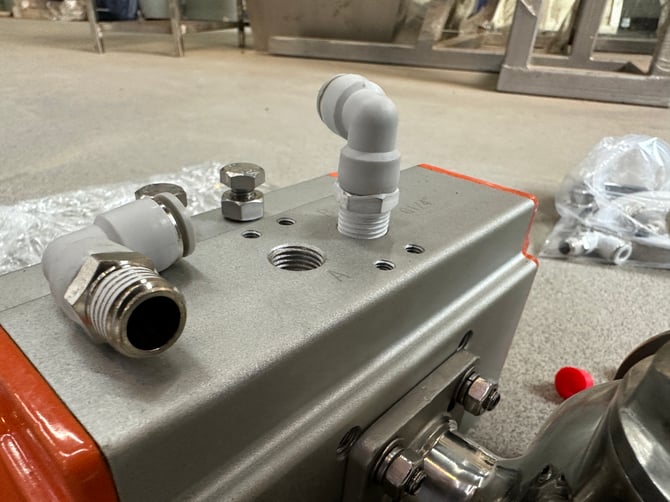
- Install the 3 way valve directly to the cyclone in line with the flex hose. Ensure port "B" is next to the cyclone (port "A" should be further from the cyclone than port "B")
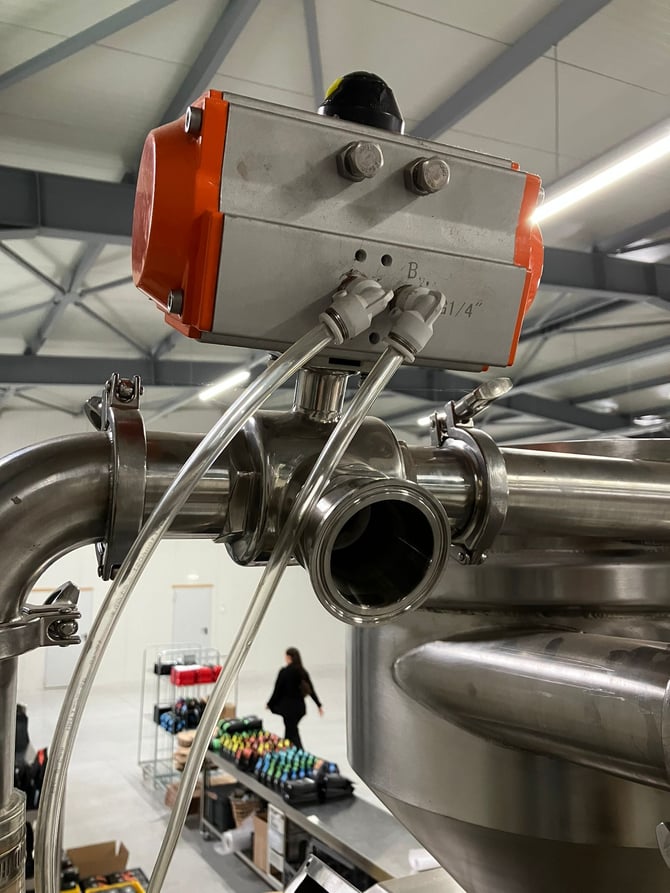
- Cut the existing airlines running between the solenoid box and the mounting plate and insert T's in the cut position. Connect Port A and Port B to the newly installed T's.
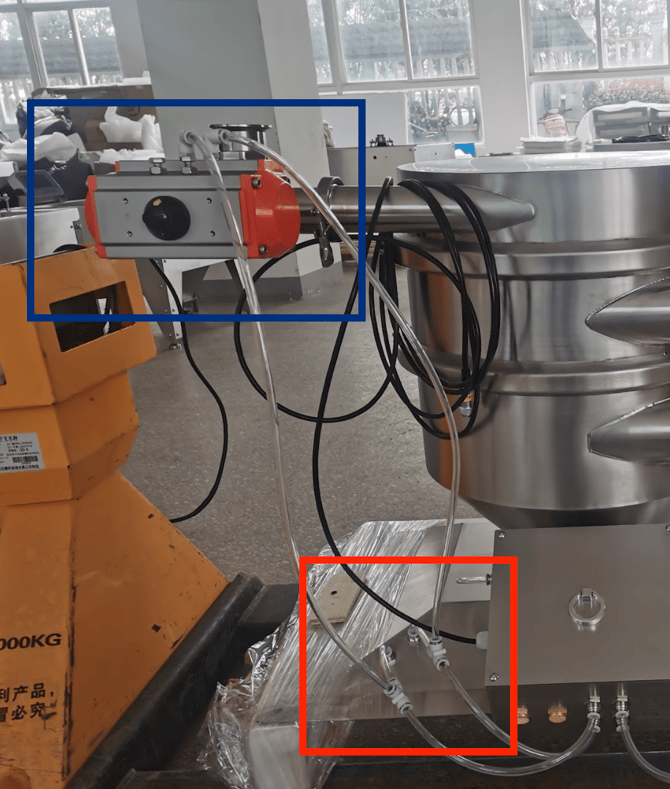
Note: When the vacuum is activated, the ball valve should immediately close and coffee should lift. If the ball valve opens when vacuum is activated, swap the connection between port A and B.
Setting up your Control Box
The Vacuum Box is designed to run continuously, and does need to cycle on and off like the canister vacuum.
Press the Down Arrow and then ESC Key on your control box.
Use the arrows to scroll to select Program and press the green OK button.
Select Set Parameter and scroll to VacCycle
If you do not see the VacCycle, you may have an older Control Box. You'll need to reach out to your Technical Brand Ambassador to receive a lift program for your box.
Press the OK and use the arrows to scroll to OFF, and press OK to confirm.
Turn your box Off and On again using the switch on the bottom, next to the power cable.