
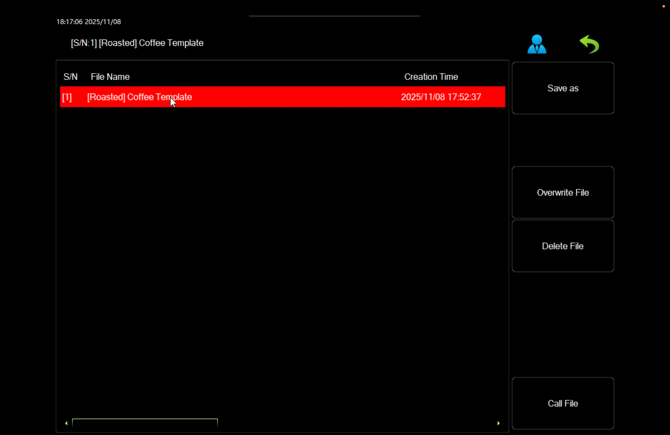
 Save As - This copies the profile selected and Saves it as a new Profile. We recommend new profiles are made from your Coffee Template profile that was made by your Technician to ensure the correct settings are carried over to your new profiles.
Call File - Loads the selected Profile, this may take up to 60 seconds.
Viewable once in Supervisor mode, and the profile is selected:
Overwrite - This overwrites the selected profile with the current profile settings, including the cleaning settings.
Delete - Deletes the selected profile.