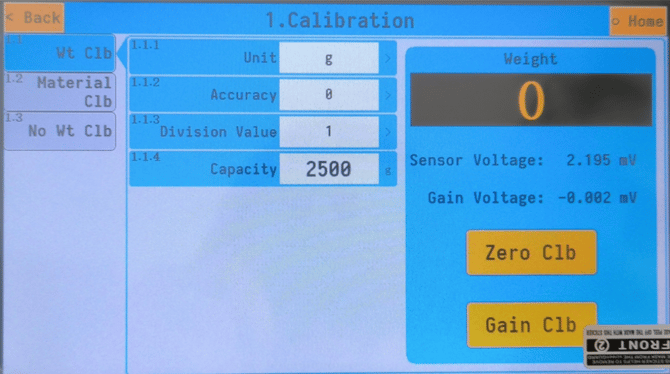
If you’re weighing bags in ounces, we still recommend weighing and operating in grams for the Precision Fill, to ensure more accurate weighing. Simply just convert your weights from pounds to grams.
You can do this by dividing your weight in lb by 2.205. For example: 1(lb) / 2.205 = 454(g)
To change your measurement units, go into system settings, click 1. Calibration, you’ll see the following screen below, from there you can click 1.1.1 Unit, and change to oz/lb.